Updated 4 October 2026.
A class booking app is how a client takes a seat, pays, and cancels. The timetable that repeats the class is the other half of the same buy.
Many Google pages mix those halves. University tools and training catalogs sit beside gym products, however. Ignore the campus rows, because a studio is not selling degrees.
What a class booking app covers
So start with the seat. Gym class booking software covers that seat. Class scheduling software covers the series that puts the class on Tuesday at 18:00 again next week. Arlo, a training-provider product, states the same split. The buyer on that page is still a training company, not a gym.
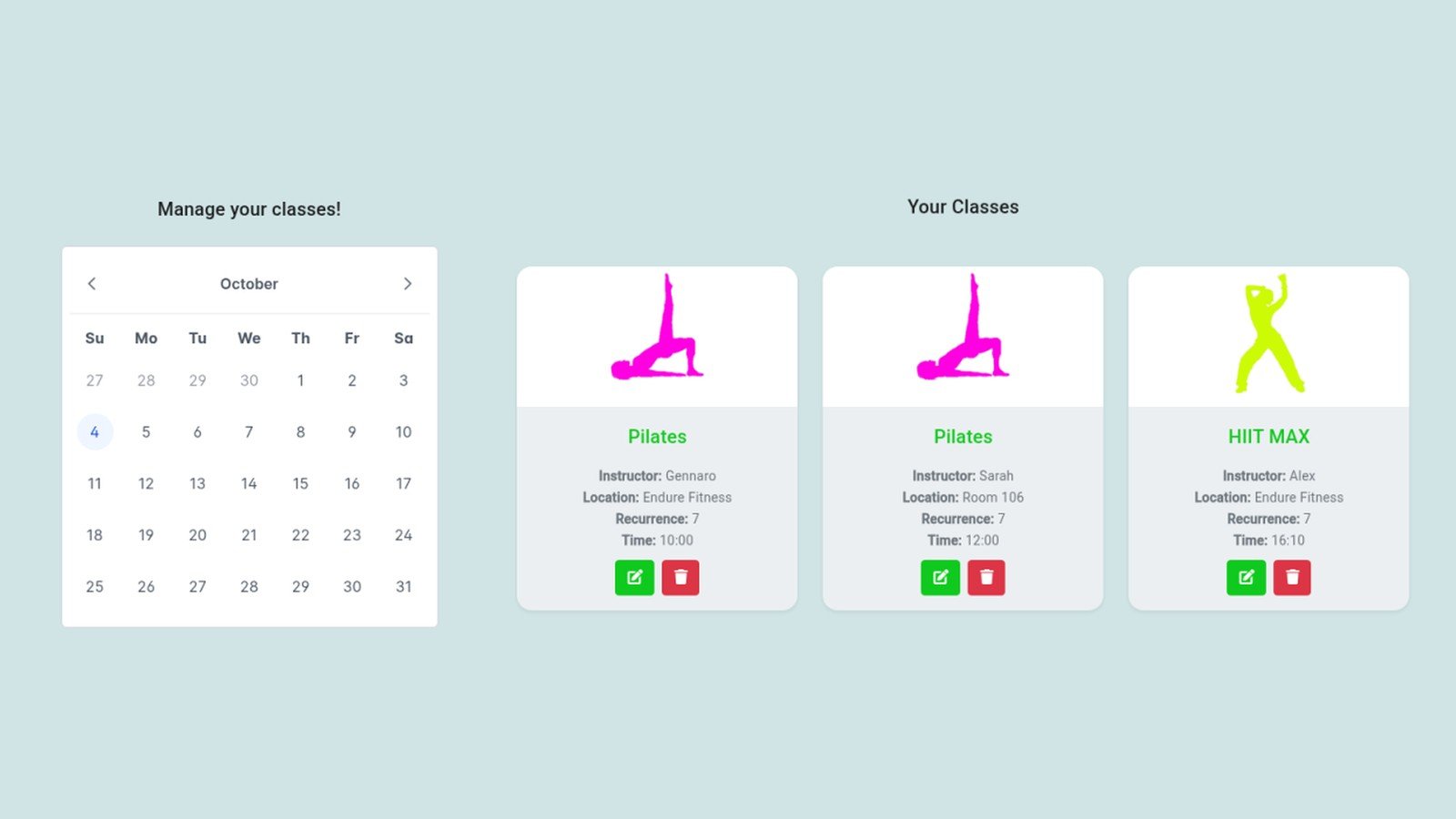
Here, a class booking app is the client path for a fitness studio. The same path also fits yoga, pilates, CrossFit, dance, and martial arts. It is not a school LMS, and it is not a corporate course catalog.
Is class scheduling the same as class booking?
No. Scheduling is the timetable. Booking is the seat, the pay step, and the cancel rule.
Roundups often fold both into one list, so the two jobs look identical. A calendar and a front desk are different purchases, however. Treat “gym class booking software” as the booking half. Treat the series, the one-date edit, and the waitlist refill as the scheduling half.
Jobs to compare first
A fair test of a class booking app starts with jobs, not logos. Score these before you read a homepage, because the logos can wait.
- A way for a client to book, pay, and cancel under your rule.
- A capacity cap, and a waitlist that offers the seat after a cancel.
- Packs or class credits, plus card and cash.
- An embed that keeps booking on your site.
- The fee type behind the monthly number.
Then a self-ranked review is easier to spot. For example, Lunacal, Koalendar, and Zenoti each put their own product first on the roundups checked for this article. That is the vendor’s page, not an outside review.
How to read a class booking app price
Read a class booking app price only after you name the fee type. Ask if the figure is per location, per seat, plus card processing, or per message.
Public roundups disagree on the monthly price for the same tools. They also skip the fee type. So re-check the vendor’s own pricing page, and do not paste a listicle number into your sheet.
ClassesBook lists two monthly prices on its pricing page. On 4 October 2026 that page showed Pro at €49 a month. Fitness Center was €99 a month. Email reminders and client messages sit in that fee, and ClassesBook adds no transaction fee of its own. You connect your own Stripe account, so Stripe’s processing fee still applies.
That line describes ClassesBook only. It does not show what another product charges.
What to export before you switch
But a class booking app still fails if you cannot leave with your data. Leave with files, not a screenshot. Export the series, the client list, remaining pack credits, and any waiver you must keep. Also mark which classes use a pack and which are drop-in or cash.
Do not assume the next tool imports that file. Ask for the format, then cancel the old plan.
Who should skip a marketplace gym suite
Skip a suite sold mainly as a public marketplace if your clients already book on your site. Otherwise you pay for leads you do not use, so it is a poor fit.
If booking should stay on your website, test an embed. ClassesBook’s feature page describes an iframe widget, and it names WordPress, Wix, and Squarespace. Use that as a fit check.
Fitness Center, at €99 a month, adds co-op networking and referral tracking. Pick it when instructors keep separate businesses and share a catalog. Pro, at €49, is the plan for studios and instructors who handle receipts themselves.
Both plans also include a 30-day trial. The homepage says you do not need a credit card. If a job on your list is unclear, write to support@classesbook.com.
Then a class booking app is a shortlist you score yourself. Do not take the winner from the vendor who published the list.